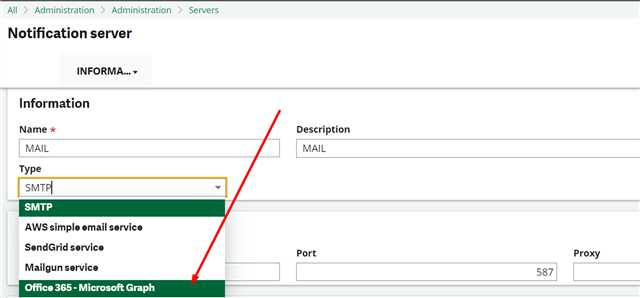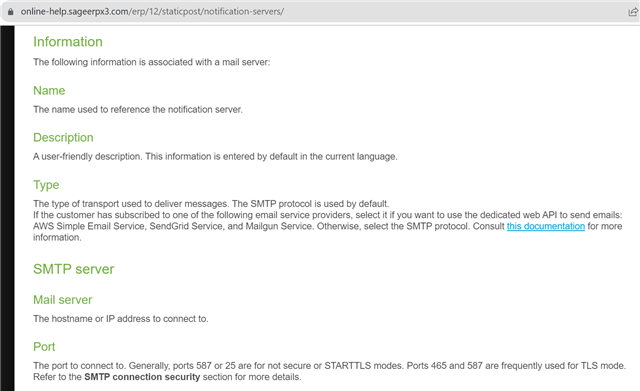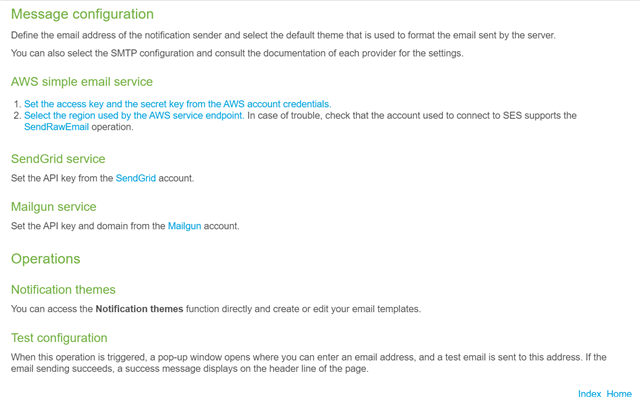
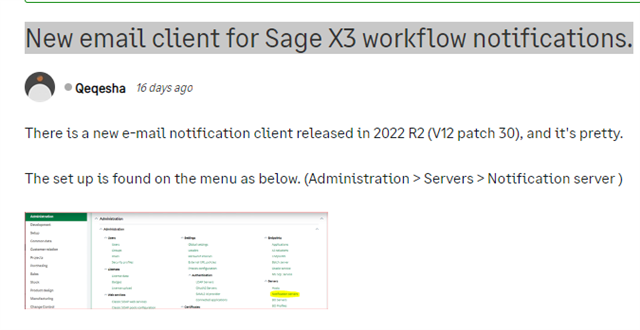
Using Outlook wrt New email client for Sage X3 workflow notifications post.

Reference: https://www.sagecity.com/us/sage_erp_x3/f/sage-x3-announcements-news-and-alerts/187389/new-email-client-for-sage-x3-workflow-notifications

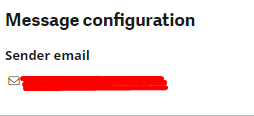
I am using a Microsoft Outlook account (assume name as [email protected]) which requires FROM to match the email relay's email account used (in this case: [email protected]).

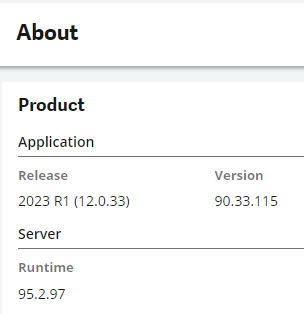
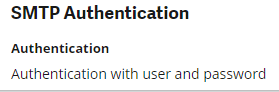
I switch over to the new email client and did the settings as per the post.

The email relay test mail is all OK.
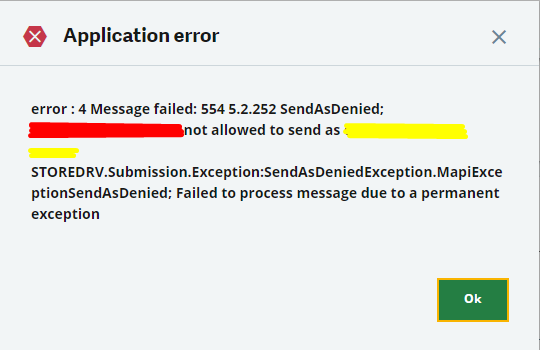
When I do a direct workflow email

```

Application error
error : 4 Message failed: 554 5.2.252 SendAsDenied; [email protected] not allowed to send as [email protected]; STOREDRV.Submission.Exception:SendAsDeniedException.MapiExceptionSendAsDenied; Failed to process message due to a permanent

```

I was login as ADMIN and the workflow email set for this user is: [email protected]

Previously, I would use a customized YAWRKMEL (based on AWRKMEL script) to resolve this issue by hardcoding in the sender mail address but this script seems to be skipped out.

How to resolve this without recommending using other email providers like GMail or installing a dedicated email relay inside the server or setting every user to use the sender email?

Parents
  • +1
    verified answer

    Hello, It's only possible to set up one email in each notification server (authentication) which is a current limitation and already reported as an issue. the Sender email is the only email that is able to send out from the notification server. so if the setup user user (tied to the workflow) is not the notification server sender email. it will fail. the meladx is completely ignored when the notification server is in user. the YAWRKMEL will be ignored as it would typically coincide with the meladx.  https://online-help.sageerpx3.com/erp/12/staticpost/notification-servers/?highlight=notificationServer 

    your best bet is to setup a 3rd party SMTP / relay server of some type like hmail, sendgrid, aws, etc...  which I think someone already mentioned

    or you can go back to meladx by turning off notification server.

Reply
  • +1
    verified answer

    Hello, It's only possible to set up one email in each notification server (authentication) which is a current limitation and already reported as an issue. the Sender email is the only email that is able to send out from the notification server. so if the setup user user (tied to the workflow) is not the notification server sender email. it will fail. the meladx is completely ignored when the notification server is in user. the YAWRKMEL will be ignored as it would typically coincide with the meladx.  https://online-help.sageerpx3.com/erp/12/staticpost/notification-servers/?highlight=notificationServer 

    your best bet is to setup a 3rd party SMTP / relay server of some type like hmail, sendgrid, aws, etc...  which I think someone already mentioned

    or you can go back to meladx by turning off notification server.

Children